Platform and buying guide

Gothic Remake PS5, Xbox and PC: Official Stores, Demo, Keys and Requirements

Gothic 1 Remake is a released current-generation game on PC, PlayStation 5, and Xbox Series X|S. Use this guide to verify official stores, avoid PS4 or Xbox One confusion, compare Steam requirements, understand demo pages, and treat key offers with caution.

  • ReleaseJune 5, 2026
  • Confirmed consolesPS5, Xbox Series X|S
  • PC storeSteam
  • AvoidUnofficial mirrors

Short answer: Gothic 1 Remake is a current-generation release

If you are searching for Gothic Remake PS5, the safe answer is clear: use the official PlayStation Store page and treat it as a PlayStation 5 version, not a PlayStation 4 version. The official PlayStation listing states the PS5 platform and explicitly warns that the game is not supported on PS4. That matters because many search snippets and retailer cards still mix old console names, demo pages, and preorder-era language.

For Xbox, use the official Xbox store listing for Gothic 1 Remake and check your regional store before purchase. The relevant console target is Xbox Series X|S, not the older Xbox One generation. If a third-party page only says Xbox without identifying the current-generation store page, verify the SKU on Xbox.com before buying.

For PC, Steam is the cleanest official purchase and information page. Steam lists the release date, developer, publisher, languages, achievements, demo access, and detailed system requirements. Because Gothic 1 Remake uses modern technology and asks for an SSD or NVMe-class drive in the official requirements, PC buyers should compare their CPU, GPU, VRAM, memory, storage, and DirectX 12 support before assuming the game will run well.

This page does not recommend cracked downloads, torrents, unofficial installers, or key pages as the first purchase path. Search demand around Gothic Remake key and instant-gaming style queries is real, but an independent wiki should send players to official storefronts first. If you still use a reseller, check region lock, refund policy, platform, edition, and whether the key is actually for Gothic 1 Remake rather than Gothic Classic, a demo, or a bundle bonus.

As of this update, official sources are the safest way to resolve platform questions. Steam is the primary PC page; PlayStation Store identifies the PlayStation 5 version; Xbox.com identifies the Xbox Series X|S listing; and the official Gothic website links players back to publisher-controlled information.

The practical purchase rule is simple: choose the platform whose official page you can open in your region, then check edition, demo label, system requirements, refund path, language support, and patch notes before paying.

After choosing where to play, use the Gothic 1 Remake beginner walkthrough to plan the first hours without mixing purchase intent with quest spoilers.

Similarweb keyword generator shows the strongest platform demand around Gothic Remake PS5, Gothic 1 Remake PS5, Gothic Remake PS4, Gothic Remake key, Gothic Remake test, and release-date wording. This page keeps those candidates inside one platform-intent guide: PS5, Xbox Series X|S, PC, demo checks, keys, and older-console confusion belong here; faction routes, maps, and walkthrough steps stay on their own guide pages.
Official availability

Gothic Remake platform comparison

Use this table to avoid the most common platform confusion before you buy or download a demo.
Platform Status What to check Official source
PC / Steam Available Check Windows 10/11, DirectX 12, 16-32 GB RAM guidance, 8-12 GB VRAM guidance, 60 GB storage, and SSD/NVMe notes on Steam. Steam
PlayStation 5 Available Use the PS5 store page. Do not assume PS4 support; the PlayStation listing says Gothic 1 Remake is only available for PS5. PlayStation Store
Xbox Series X|S Available Use Xbox.com for the current regional listing and confirm whether you are viewing the full game, demo, or a preorder bonus page. Xbox Store
PS4 / Xbox One / Switch 2 Not the safe assumption Searches exist, but official current listings center on PS5, Xbox Series X|S, and PC. Treat older-console and Switch claims as unconfirmed unless an official store page appears. Official site
Demo pages and key listings Verify before paying A demo page, reseller key, preorder bonus, or older Gothic product can look similar in search results. Confirm the exact game name, platform, region, edition, and refund route before purchase. Official Gothic site

Before you buy

How to choose the right Gothic Remake version

The best version is less about hype and more about the platform you can verify, return, patch, and play comfortably.
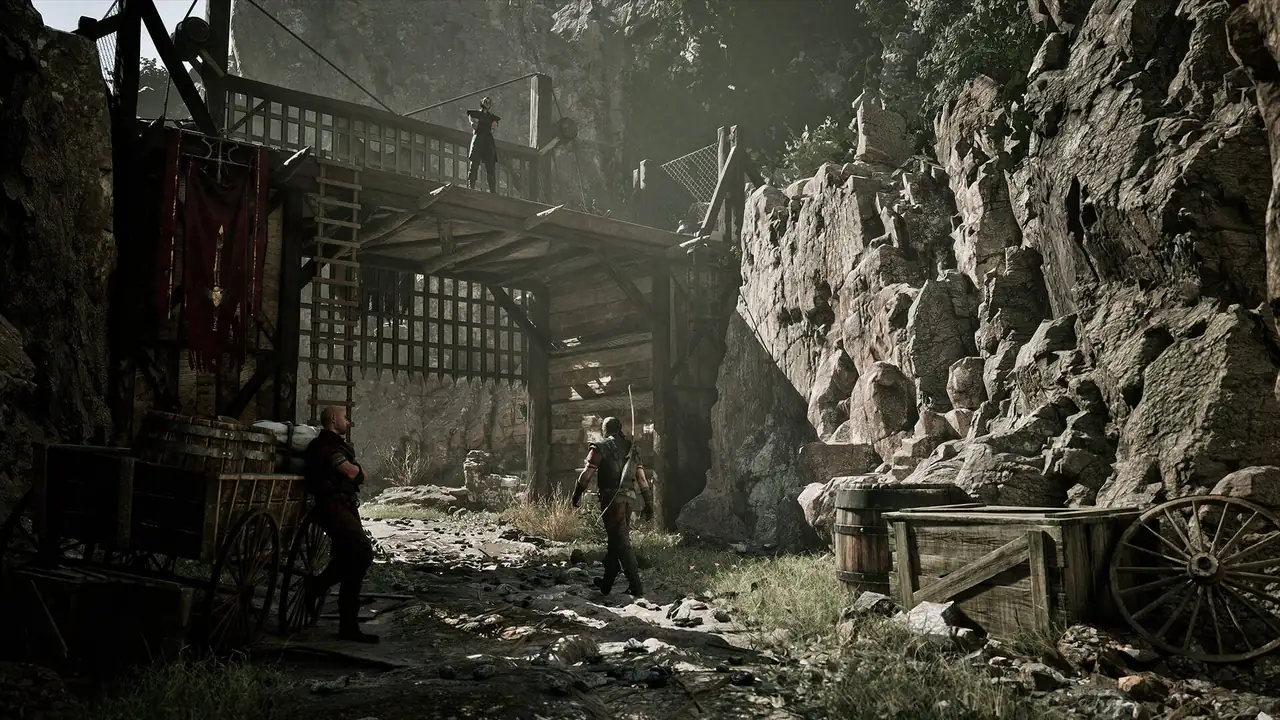
Official Gothic 1 Remake colony screenshot used for buying guidance
Official media from Gothic 1 Remake. Use store pages for live price, edition, and patch details.

Choose PS5 if you want the simplest console path

The PS5 listing is the clearest answer for players searching Gothic Remake PS5. Buy from the PlayStation Store or a trusted physical retailer, then check region, language support, accessibility features, and refund rules before purchase.

Choose Xbox Series X|S if your ecosystem is Xbox

The Xbox store page is the page to verify for Xbox players. Check whether the listing you opened is the full game or the demo, and confirm regional availability before using any third-party seller.

Choose PC if you want settings control and Steam features

PC gives you graphics settings, Steam achievements, Steam Cloud, community discussions, and patch notes in one place. The tradeoff is hardware responsibility: compare your machine against the official minimum and recommended requirements.

Be careful with key and demo searches

Some search results use words like key, demo, preorder bonus, or classic. Those can point to different products. Before paying, verify the app name, platform, region, edition, release status, and refund path.

PC system requirement notes

Steam is the live source for Gothic 1 Remake PC requirements. At the time of this update, the Steam page lists Windows 10/11 64-bit, DirectX 12, 60 GB available storage, and SSD or NVMe guidance. Minimum and recommended specs also reference modern multi-core CPUs, 16-32 GB RAM, and GPUs with substantial VRAM.

Do not read the minimum line as a promise of perfect performance. Gothic 1 Remake is a dense open-world RPG with modern rendering, so frame rate can depend on resolution, upscaling settings, GPU driver, storage speed, background apps, and post-launch patches. If your PC is near the minimum, wait for recent performance reports on the Steam community hub before buying at full price.

  • Check both CPU and GPU, not just one headline number.
  • Prefer an SSD; the official requirement notes an SSD or better NVMe disk.
  • Watch VRAM: Steam lists 8 GB VRAM minimum guidance and 12 GB VRAM recommended guidance.
  • Leave extra storage beyond the listed 60 GB for updates, shader caches, screenshots, and saves.
  • Compare your target resolution and frame-rate expectations with recent Steam community performance reports.
  • Update GPU drivers before judging performance, especially after major patches.

Console version notes

Console buyers should start from platform-specific store pages. PlayStation users should treat the PS5 listing as authoritative, especially because it clearly distinguishes PS5 from PS4. Xbox players should use Xbox.com and confirm the current-generation listing in their region.

If you care about performance mode, resolution mode, controller features, save stability, accessibility options, or demo availability, check the store page and recent official patch notes before you buy. Those details can change after release and should not be copied from old preorder articles.

  • Do not buy a PS4 listing unless Sony or THQ Nordic publishes one.
  • Do not assume Xbox One support from the word Xbox alone.
  • Use the demo page only when you intentionally want the demo, not the full game.
  • For boxed copies, match the region and platform logo with your console account.
  • Check whether your regional store page labels the listing as full game or demo.
  • For physical copies, confirm that the disc or code is for PS5 or Xbox Series X|S, not an older-generation placeholder.
  • Switch 2 and older-console rumors should be treated as future-page research, not current buying advice. Until THQ Nordic, Sony, Microsoft, Nintendo, Steam, or the official Gothic site lists a version, do not buy based on a snippet.

FAQ

Gothic Remake platform questions

Yes. Gothic 1 Remake has an official PlayStation Store listing for PS5. Use the store page for live price, demo, rating, and regional availability.

Do not assume PS4 support. The PlayStation Store page says Gothic 1 Remake is only available for PS5 and is not supported on PS4.

Yes, Gothic 1 Remake has an official Xbox store listing. Check Xbox.com in your region and confirm whether you are viewing the full game or a demo page.

Use the Steam page as the live source. It lists Windows, DirectX, CPU, memory, GPU, VRAM, storage, and SSD or NVMe guidance.

Official stores are the safest first option. If you use a reseller, verify platform, region lock, refund policy, edition name, and whether the product is the full game rather than a demo or classic bonus.

No. A demo listing is only a trial or preview path. Before paying or downloading, confirm whether the official store page says demo, full game, edition bundle, or preorder content.

Check the exact product name, platform, region lock, activation store, refund policy, edition, seller reputation, and whether the key is for Gothic 1 Remake rather than Gothic Classic or a demo.

There is search demand for Gothic Remake Switch 2, but this page does not treat it as a confirmed version. Use official THQ Nordic, Nintendo, Steam, PlayStation, and Xbox pages before making any purchase decision.

It usually means users want demo impressions, performance tests, reviews, or early gameplay checks. For installation, use the demo guide; for buying, verify the official store page first.