Demo and prologue guide

Gothic 1 Remake Demo: Safe Download Links, Nyras Prologue and Full Game Differences

Use this guide before searching for a Gothic 1 Remake demo download. It separates official store pages from unsafe mirrors, explains what the Nyras Prologue-style demo intent means, and shows when to move from trial play to the full game.

  • Primary keywordGothic 1 Remake demo
  • Search intentOfficial demo download
  • AvoidMirrors and cracked installers
  • UpdatedJuly 1, 2026

Quick answer: use official store pages only

The safest way to find a Gothic 1 Remake demo is to start from official store pages, not search-result mirrors. Steam is the live PC reference for Gothic 1 Remake, Xbox and PlayStation have separate official Gothic 1 Remake - Demo listings, and GOG lists Gothic 1 Remake - Demo (Nyras Prologue). If a page asks for a launcher, torrent, password, installer mirror, or unrelated key before showing an official store identity, do not use it.

The demo intent is different from the PS5, Xbox and PC buying guide. The platform page helps you choose where to buy the full game. This page focuses on trial access: where the demo should come from, how to tell demo pages from the full game, what Nyras Prologue-style content can and cannot prove, and which checks matter before installing anything.

Use the demo to test tone, controls, combat feel, performance, language options, and whether the modern remake still feels like Gothic to you. Do not treat a demo as a complete review of the full release, final balance, late-game faction routes, or every patch state.

Similarweb phrase match shows Gothic 1 Remake - Demo as the cleanest demo-intent keyword, while related demand also touches Xbox Series X gameplay and broader PS5 purchase searches. Keep that boundary clear: this page answers demo access, Nyras Prologue, store labels, install safety, and what a trial can prove. Full platform comparison belongs on the PS5/Xbox/PC guide, and broad gameplay walkthrough intent belongs on the beginner route page.
Official demo paths

Where to check the Gothic 1 Remake demo

Search results mix store pages, videos, key sites, and old preview wording. Start with verifiable sources.
Platform Status What to verify Official source
PC / Steam Check live page Open the Steam app page for Gothic 1 Remake, then check whether Steam currently exposes a demo button, install option, news post, or community update in your region. Steam
Xbox Series X|S Official demo listing Xbox has a separate Gothic 1 Remake - Demo store page. Confirm region, console generation, install size, and whether you are viewing the demo rather than the full game. Xbox demo
PlayStation 5 Official demo page PlayStation Store has a separate Gothic 1 Remake - Demo product page. Confirm PS5, region, download size, and whether you are opening the demo or the full game. PlayStation demo
PC / GOG Official demo page GOG lists Gothic 1 Remake - Demo (Nyras Prologue) and can provide an offline installer option. Verify you are downloading the demo, not an unrelated classic bundle. GOG demo
Unofficial downloads Avoid Do not use cracked installers, repacks, torrents, APK-style mirrors, password archives, or fake launchers for a PC demo. Official stores

Nyras Prologue context

What the demo can tell you before the full game

A prologue or demo is useful for feel and setup checks, but it is not a substitute for full-game guides.
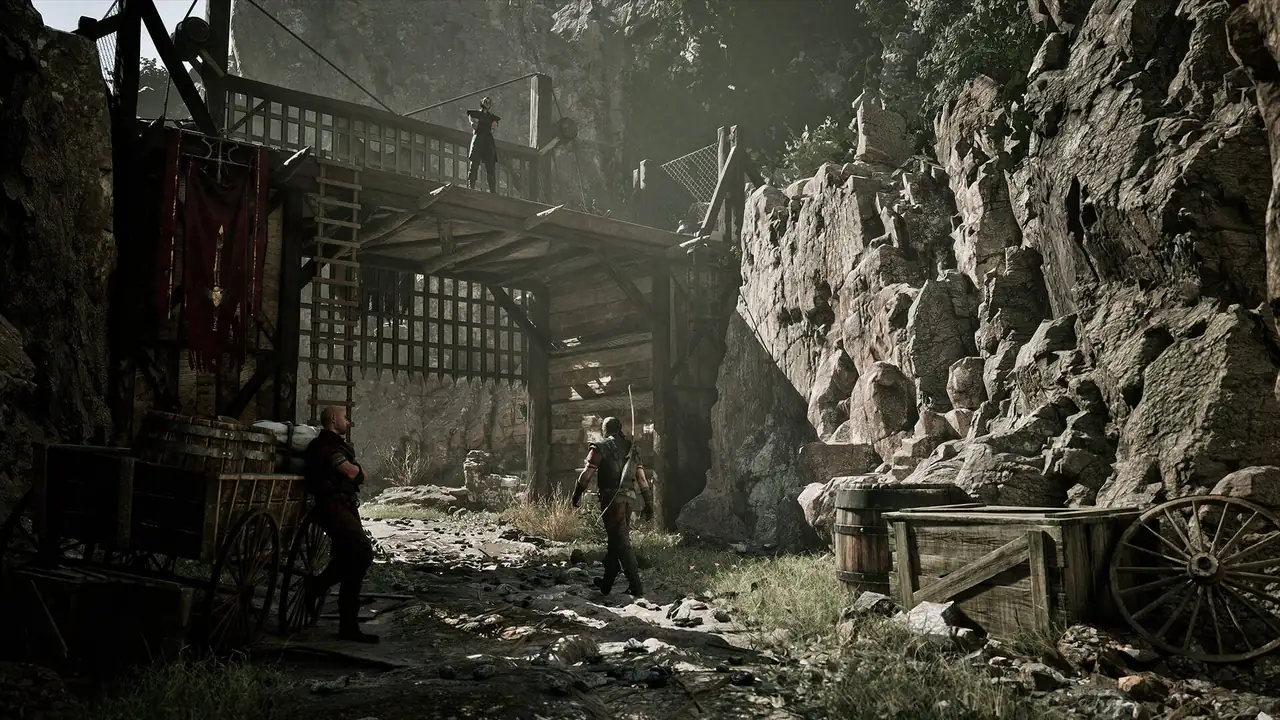
Official Gothic 1 Remake colony screenshot used for demo context
Official Gothic 1 Remake media. Test the demo for feel and performance, then verify live details in store pages.

Combat feel

Use the demo to test timing, lock-on behavior, camera comfort, animation weight, and whether you enjoy the remake approach before buying.

Performance and controls

Check resolution, frame rate, controller prompts, keyboard/mouse comfort, menu readability, and whether your hardware stays stable through the opening area.

Story tone

A prologue-style demo can show atmosphere, dialogue rhythm, voice direction, and the Mining Colony mood without proving late-game pacing.

Limits

Do not judge every faction, build, map route, quest chain, or patch balance from the demo alone. Use it as a risk check, not a final encyclopedia.

Demo vs full game

How to avoid mixing demo and full-game intent

Many searches use the same words for demo, download, full release, keys, and platform availability.
Question Demo page Full game page Best action
Can I install it now? Maybe, if your official store shows a demo install button or demo listing. Yes only if you own or buy the full release on an official store. Check the store label before clicking install.
Does it prove final performance? It gives a useful early signal, especially for controls and traversal. Full-game patches, later areas, and settings can change performance. Use recent store reviews and patch notes too.
Is it safe to download elsewhere? No. Demo intent is often abused by mirror and repack pages. No. The same rule applies to the full game. Use Steam, Xbox, PlayStation, GOG, or publisher links.
Should I read a walkthrough first? Only if the demo blocks you. Keep spoilers low. Use route and faction guides when you move into the full game. Start with the beginner route after testing.

Before installing a Gothic 1 Remake demo

A demo is still software. Treat it like a purchase decision with lower cost, not like a random file from a search result.

If you already know your platform, keep this checklist next to the platform guide so you separate install safety from buying advice.

  • Confirm the exact title: Gothic 1 Remake or Gothic 1 Remake - Demo.
  • Confirm the platform: Steam/PC, Xbox Series X|S, or PS5 store context.
  • Check region, language support, storage, controller support, and account requirements.
  • Avoid installers that are not hosted by an official store or publisher-controlled page.
  • After testing, note performance, controls, menu readability, combat comfort, and whether the atmosphere fits you.
  • If the demo convinces you, choose a full-game store path through official links rather than a reseller snippet.
  • If a result says gameplay, test, prologue, or demo, first decide whether you need a playable demo, a video impression, or the full game. Do not install anything until the official store label matches that intent.
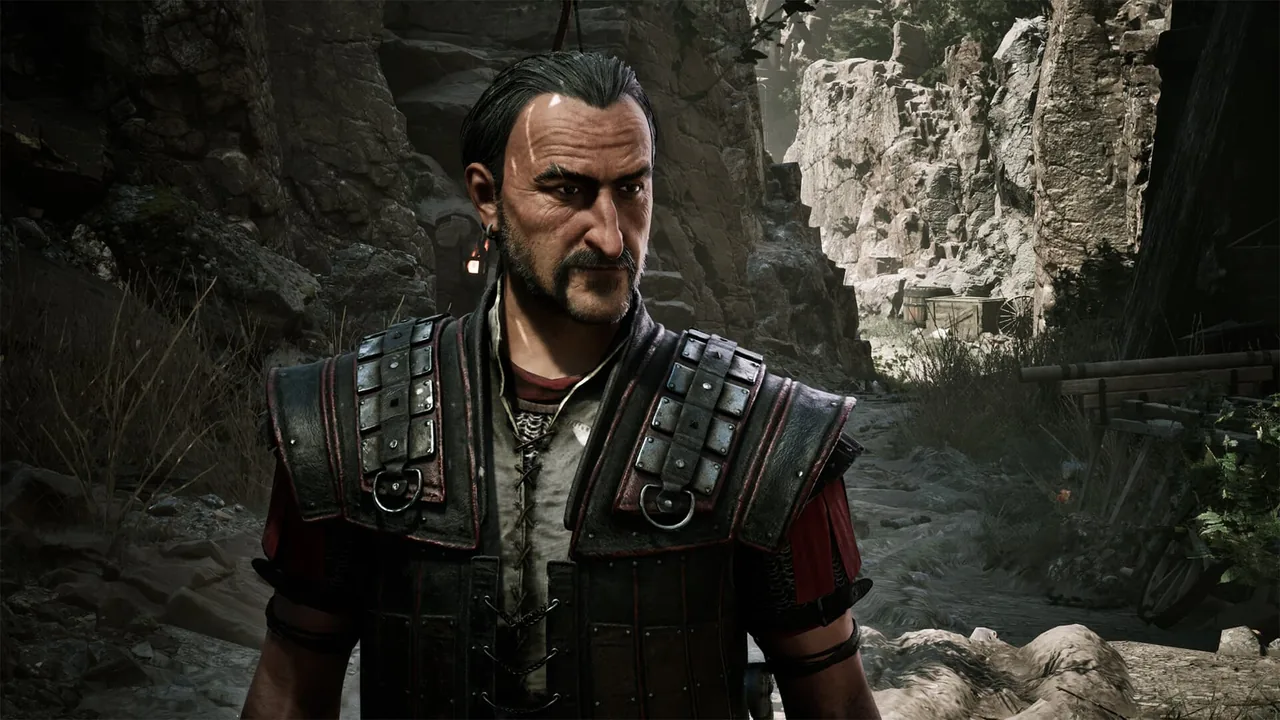
Official Gothic 1 Remake character screenshot used for post-demo planning
Official Gothic 1 Remake media used for spoiler-light post-demo planning.

What to do after the demo

If the demo feels good, the next useful step is not another download page. Check the full store listing, compare platform requirements, then plan your first route with a spoiler-light guide.

If the demo feels rough, wait for patch notes, store reviews, and platform-specific performance reports before buying. For handheld PC play, the Steam Deck guide is the better next page.

FAQ

Gothic 1 Remake demo FAQ

There is an official Xbox Gothic 1 Remake - Demo listing, and Steam is the live PC page to check for current demo access or install options. Availability can vary by platform and region.

No. Treat prologue or demo content as a trial slice. It can show tone, controls, combat feel, and performance signals, but it does not represent the whole campaign.

Use official store pages such as Steam, Xbox, PlayStation, or publisher-controlled links. Avoid torrents, repacks, password archives, and mirror installers.

No. Demo pages do not prove older-console support. Use the official PlayStation and Xbox store pages for current platform labels.

Test input feel, camera, combat timing, menu readability, language options, performance, storage behavior, and whether you enjoy the remake atmosphere.

Store wording can vary, but Nyras Prologue-style demo intent means a stand-alone trial slice before the full campaign. Treat it as a feel, performance, and safety check, not as the full game.